




Are you struggling to keep up with the rapid pace of AI in marketing?
Tired of feeling behind the curve with AI in marketing? Discover how top B2B marketers are using AI to gain an edge and drive growth. Get actionable insights gleaned from our exclusive interviews on
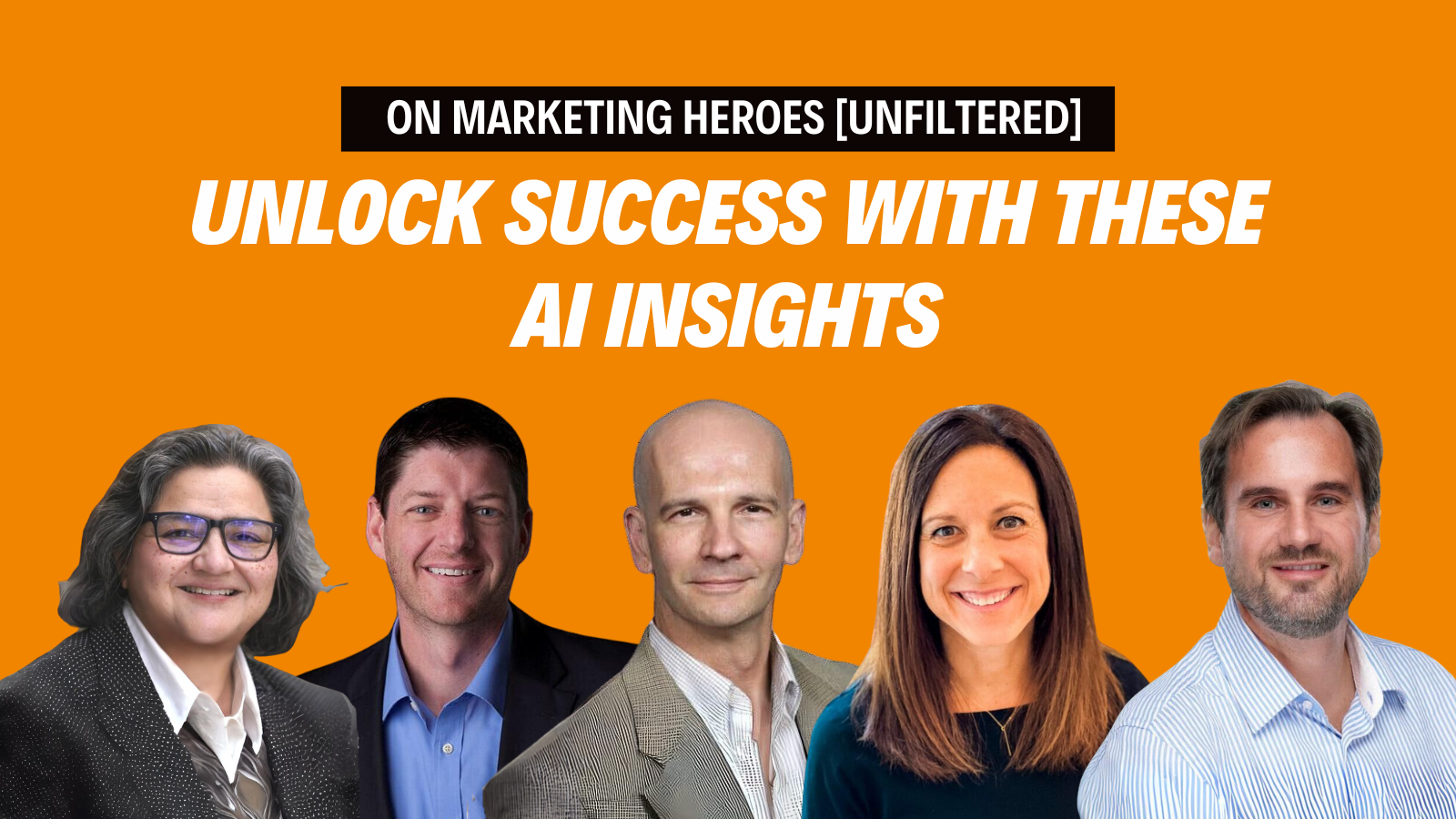
What Really Keeps Marketing Heroes Up at Night?
Introduction On our podcast, "Marketing Heroes [Unfiltered]," Leslie Carruthers and Danny Muscoplat ask top B2B marketers: What keeps you up at night? The answers we’re getting are insightful and sometimes surprising. Index/ TLDR

Unlocking Global Success: Smart Implementation of Powerhouse Hreflang Tag Delivers
Caution: Missing, incorrect or unrecognized hreflang tags sabotage multilingual websites, costing you leads and sales TL;DR (Introduction) Hreflang are super handy tags that tell Google your website has a few versions of the content

5 Steps to Get your New Marketing People Up to Speed
A common challenge for digital marketers in 2022 is welcoming new people to the team. As the Great Resignation continues, and many people move from one sector to another, you may be dealing with far

B2B Landing Pages: Great Examples of Huge Wins & Epic Fails
Before we get into what does NOT work for Business to Business (B2B) ECommerce Landing Pages, let’s go over the basics. B2B Ecommerce is selling products or services between businesses through the internet. A

VSEO: 5 YouTube SEO tips for video optimization that really work
VSEO, or video search engine optimization, is different from traditional search engine optimization, but many of the same basic SEO principles hold true. VSEO has many benefits for business owners.

Why improving User Experience (UX) is the best thing you can do for SEO.
We recently ran a poll on LinkedIn asking people" "What is more important UX (user experience) or SEO (search engine optimization) once a website has high domain authority (<50 DA): To our delight, the
7 Facebook Ad Tactics to Help You Deal with New Targeting Option Limitations
In November 2021 Facebook / Meta announced that starting January 19, 2022 they will remove sensitive detailed targeting options, such as options referencing causes, organizations, or public figures that relate to health, race or

M&A Digital Marketing Strategies for B2B: Top 3 Fail-Proof Tactics
Handling mergers and acquisitions (M&As) is a tough and multi-level process and that is why fewer than 30% of M&As are successful (source: HBS.edu). However, M&As are common in the B2B world and many

Top 7 Tactics to Keep Users on your Page Longer (Leveraging Time on Site – an Important SEO Factor)
Time on site is a very important SEO metric for Google. The introduction of the Chrome browser and its widespread adoption (64.5% market share as of 3/22) has made it easy for Google to

Is Paid Search Right for your B2B Business? 5 Questions to Ask before Wasting your Money.
To determine if paid search is right for your organization, you need to first ask yourself these 5 important questions. Question #1: Is there enough search volume for what you offer? Let’s break this out

5 Steps to Get Rid of Poor Performing Marketing Pages, Once and for All
MORE traffic & MORE conversions? Yes, please! Let's tackle your B2B marketing landing pages, improving them so they drive more traffic and conversions, now. Watch our video series as we guide you step-by-step through
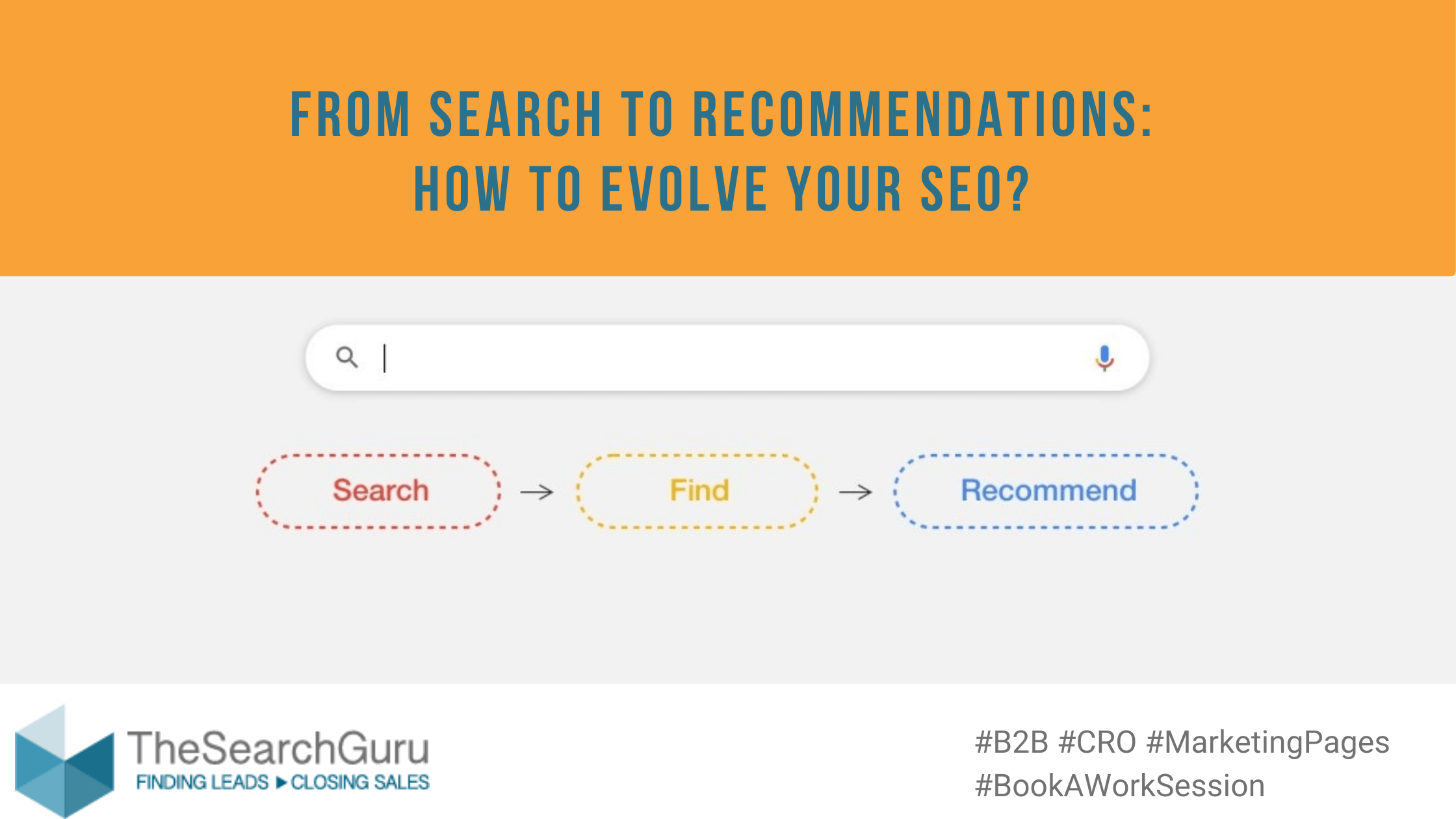
From Search to Recommendations – How to Evolve Your SEO
Classic SEO metrics, like page authority, backlinks, content lengths and keyword optimization are no longer enough to rank high in Google. We've been researching why a particular higher authority domain wasn’t able to rank

Not Enough Traffic to your B2B Website? 5 Steps to the Right Traffic.
It’s frustrating when you’ve been in business for over 30 years, you’ve worked with the biggest companies, you are a well known brand among the experts and when you look at your website stats, you

Top B2B Content Marketers Discuss What Success Looks Like
For the last year, TheSearchGuru has begun working on a book about content marketing and what strategies to use when you don't have enough time, people or budget. Leslie Carruthers has met with top

4 Low-Hanging B2B Marketing Strategies
For over 12 months now TheSearchGuru's team has provided free work sessions to b2b marketers. The curious thing... the top marketers we’ve spoken with have all had one thing in common -- they all

“We’ve acquired two competitors, but organic traffic and revenue keep dropping”
We hadn’t had a work session with this team since the first US pandemic lockdown, over a year ago. Maybe that’s why when the Zoom participants started showing on my screen, I imagined them in

Schema Markup for Colleges and Universities
What is Schema? Schema markup is a form of micro data which allows Google to create rich snippets for its index. Why Do I Need Schema? Schema.org markups help index and rank your website

What are B2B Marketers Solving for: No More Trade Shows
What’s missing? “No more Trade Shows or in person events - now where do we fill our pipeline and generate leads?” Deena was charged with generating targeted leads for the sales team. And she

Which are the Fastest Ways to Win Leads and Sales via B2B Content Marketing
The pandemic compounded every content marketer’s #1 problem: lack of time and resources. Top content marketers, when faced with crisis, revisit strategies. They take uncertainty, disruption, changing customer behavior and other complexities and assess

Schema Markup and SEO for Banks, Credit Unions, etc.
What Is Schema? Schema markup is a form of micro data which allows Google to create rich snippets for its index. Why Do You Need Schema? Schema.org markups help index and rank your website

Audience Exclusion in Facebook: How to Use it to Drive Even Better Results and More Conversions
How do you feel about ads following you on every website you visit? It’s a bit creepy, right? And then there are ads that follow you even after you’ve purchased from the website. That’s